
GO Work Gen2 Headset - Charging/ Wired Connection
Charge your GO Work Gen2 headset with USB, or use a wired connection when you need a stable PC or Mac link.
Charging
Connect to a computer or USB charger.
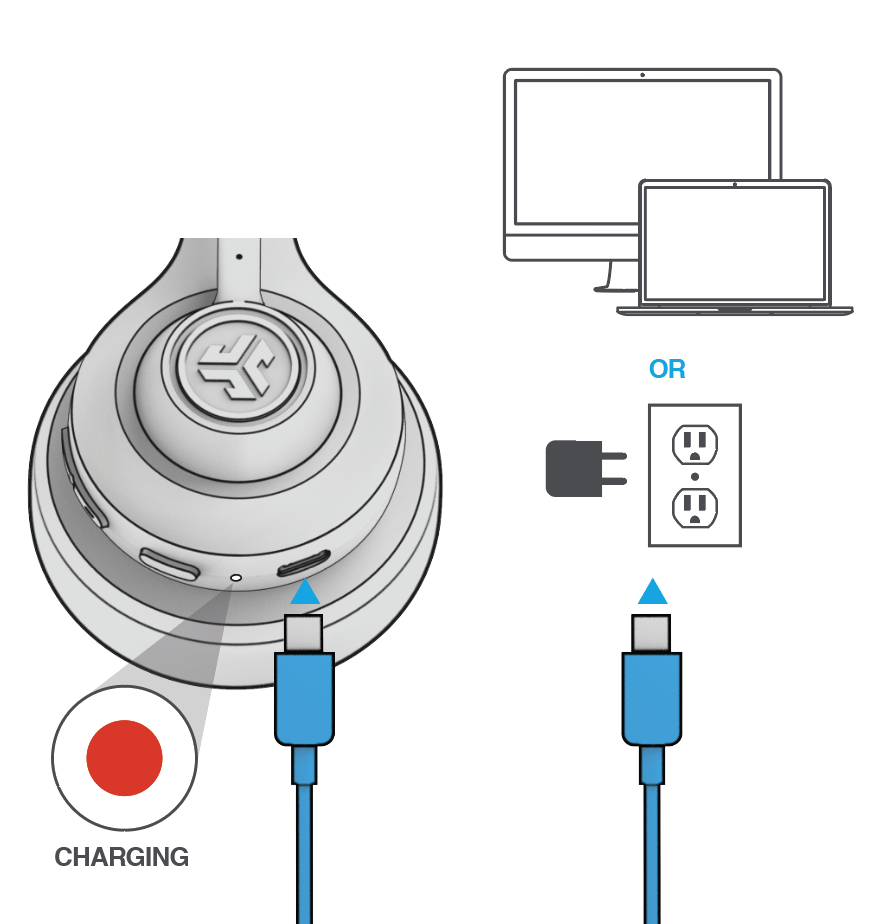
About charger wattage
You may see a rating like 5V ⎓ 1A in the product info or diagrams. That number is the maximum current your device will draw while charging, not the maximum wattage your charger is allowed to provide.
It is fine to use a higher-wattage USB charger (for example, a phone or laptop charger rated well above 5W). Your device will only pull what it needs and will not take more power than that 1A rating.
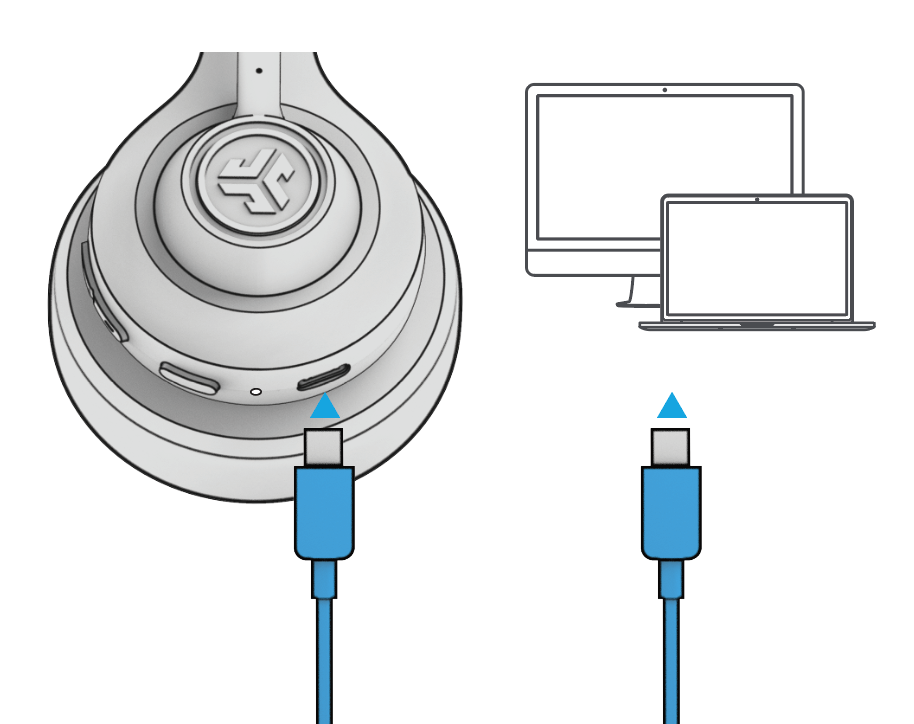
Wired connection
Connect the GO Work 2 cable to the computer. Check your PC/Mac input and output settings.
Need help? Email support@jlab.com.