
JBuds Lux - Charging
Charge your JBuds Lux with the included USB-C cable. The LED turns red while charging and blue when your headphones are fully charged.
Plug the USB-C cable into the charging port on the bottom of the ear cup, then connect the other end to a USB power source (wall adapter, computer, or power bank).

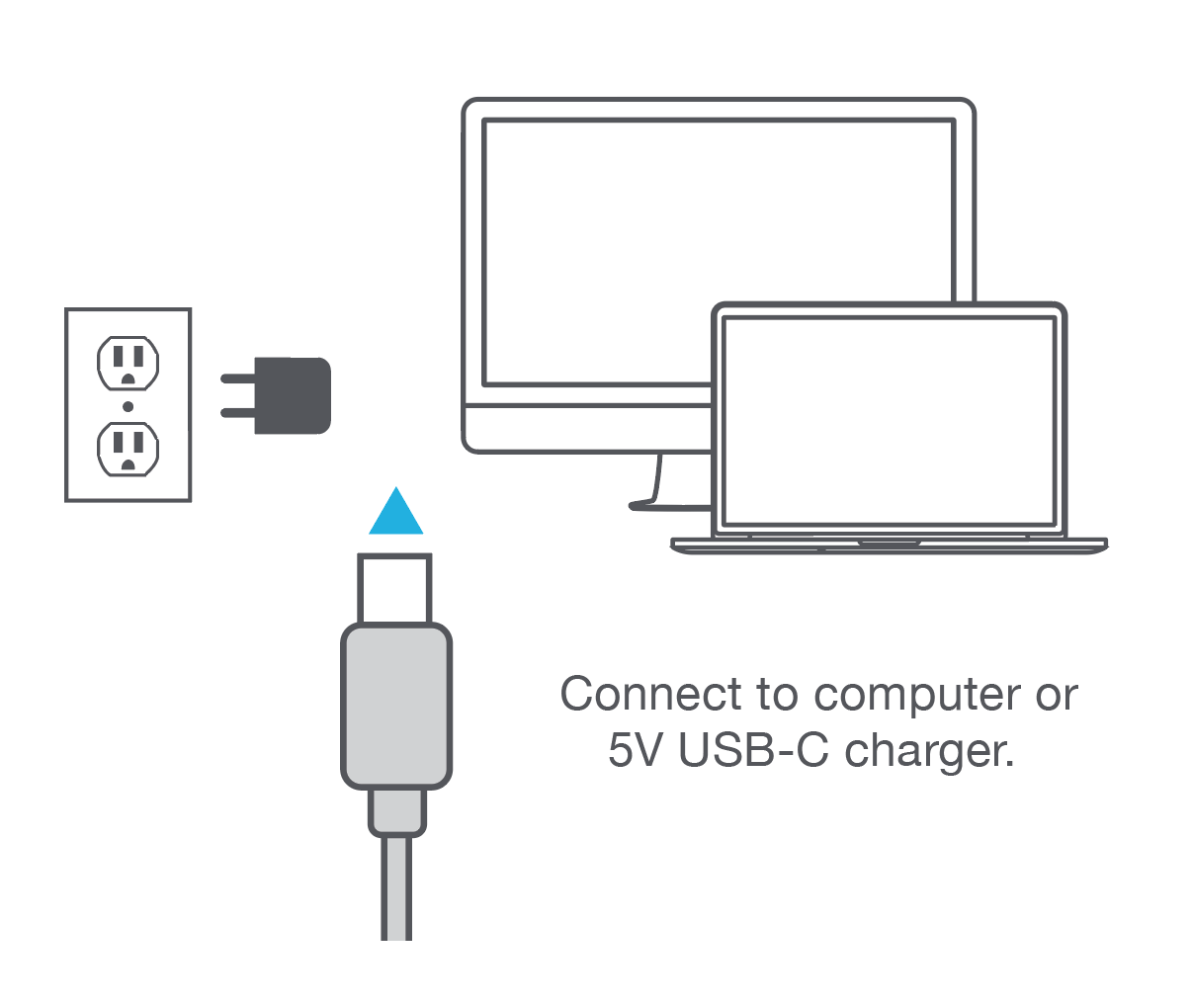
About charger wattage
You may see a rating like 5V ⎓ 1A in the product info or diagrams. That number is the maximum current your headphones will draw while charging, not the maximum wattage your charger is allowed to provide.
It’s fine to use a higher-wattage USB charger (for example, a phone or laptop charger rated well above 5W). Your JBuds Lux will only pull what they need and will not take more power than that 1A rating.
If you need help, email support@jlab.com.