
JBuds Lux - Multipoint
Connect your JBuds Lux to two devices at once with Multipoint. Switch between your phone and laptop without re-pairing every time.
Multipoint keeps both devices connected so you can take a call on your phone, then jump back to music or video on your computer. Only one device plays audio at a time; when you start playback or answer a call on the other device, audio switches over automatically.
How to set up Multipoint
1. Once your first device is connected, turn off Bluetooth in that device’s settings. JBuds Lux will automatically enter Bluetooth pairing.
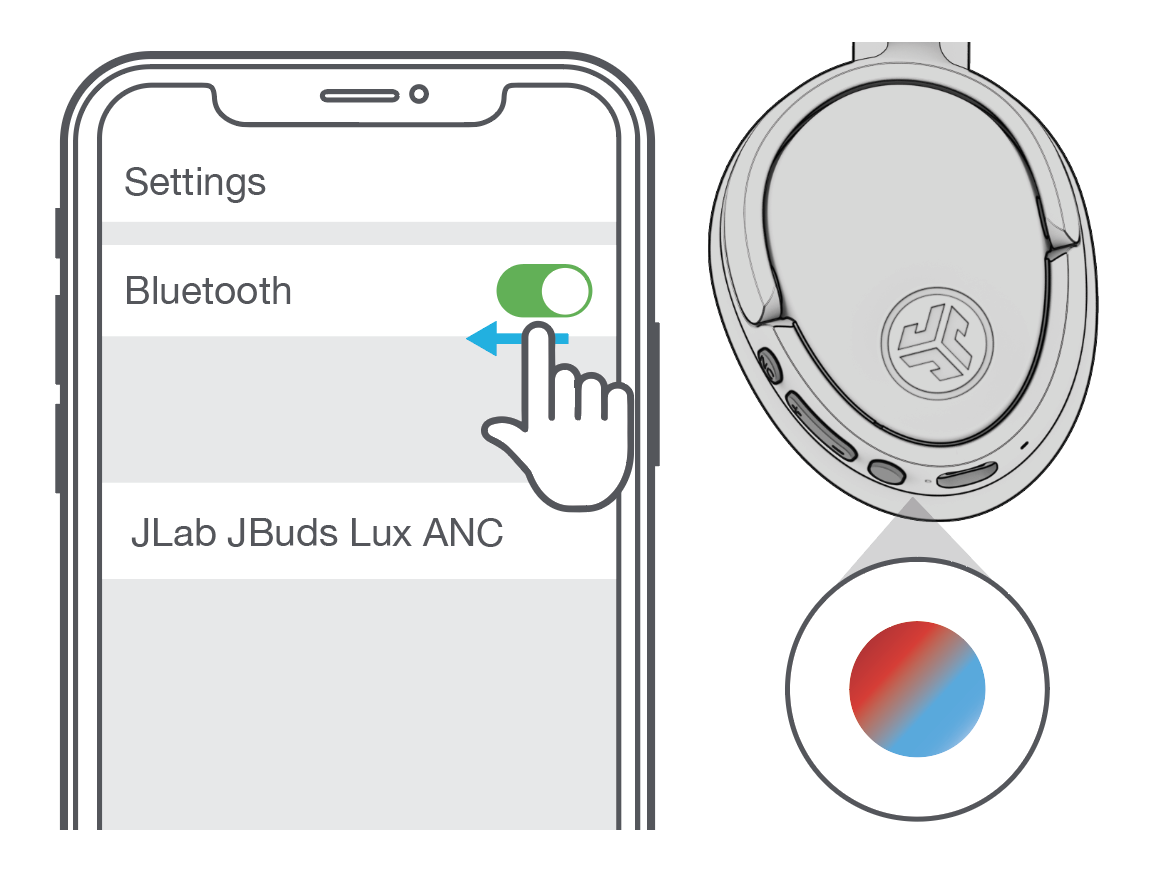
2. On your second device, open Bluetooth settings and connect to JBuds Lux.
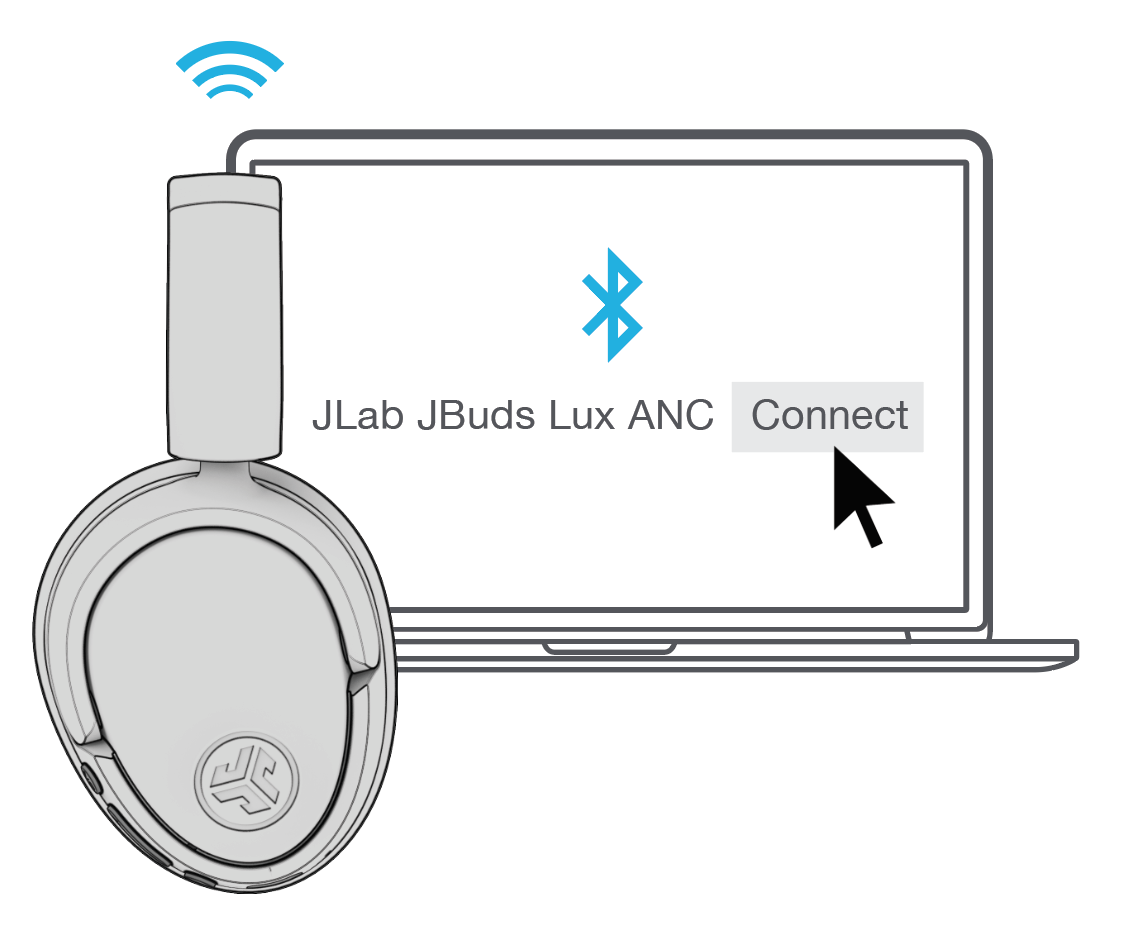
3. Go back to your first device’s settings, turn Bluetooth back on, and reconnect to JBuds Lux.
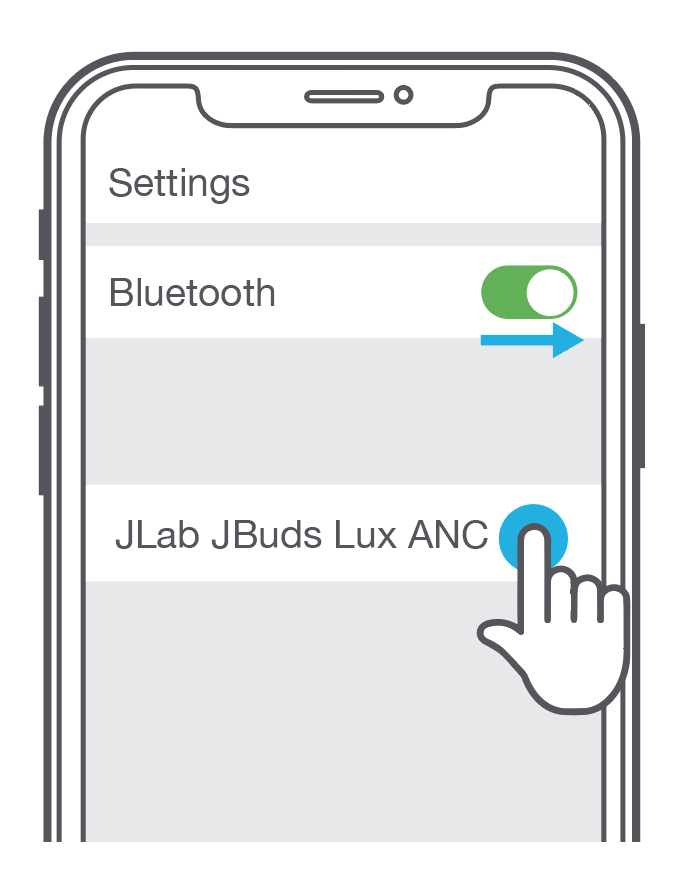
Both devices should now stay connected. Use whichever one you need, and audio will follow when you play media or take a call.
Tips
- If a device will not reconnect, forget/remove JBuds Lux in that device’s Bluetooth list, then pair it again using the steps above.
- Keep the headphones powered on and in range of both devices while you finish setup.
- You can also manage connections from the Bluetooth Connections page in the JLab App on compatible devices.
Need help getting connected? Email support@jlab.com.